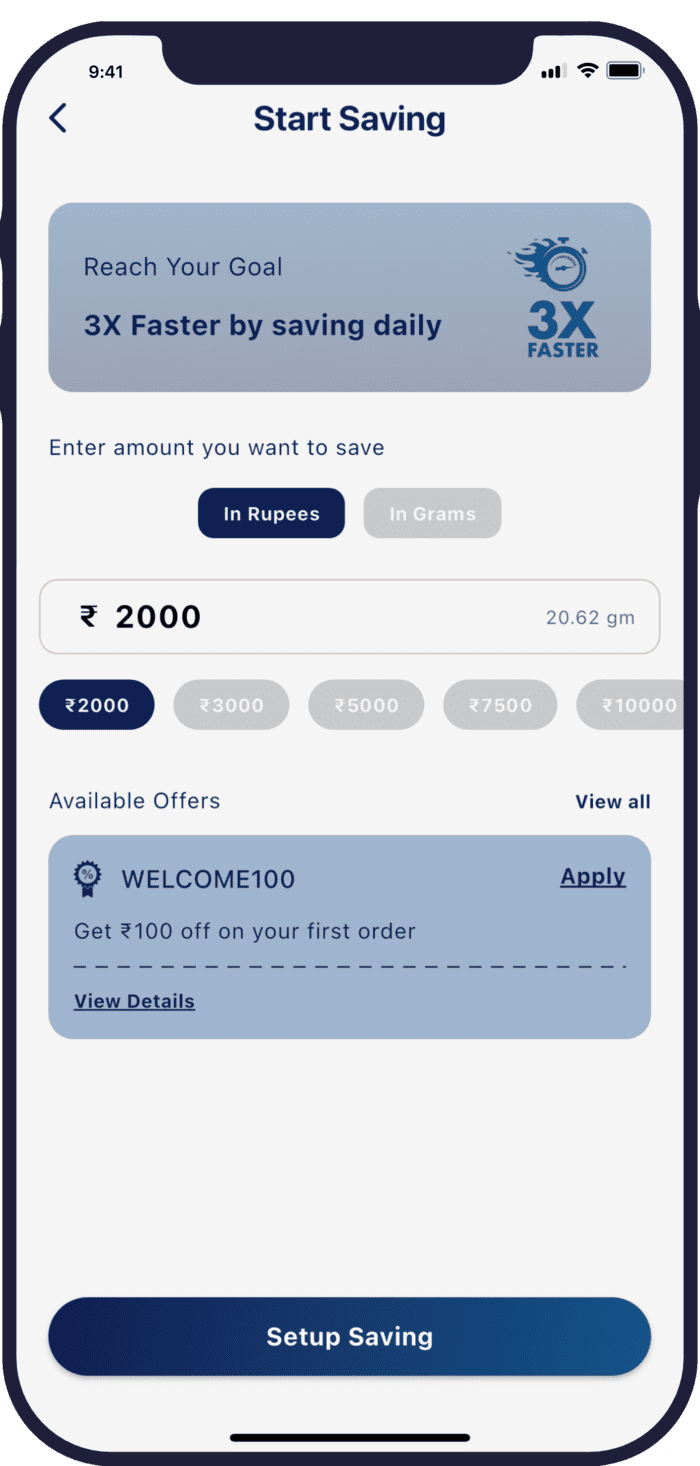
How can I stop AutoPay (Daily, Weekly, or Monthly Savings)?
ou can cancel your AutoPay anytime by following these simple steps:
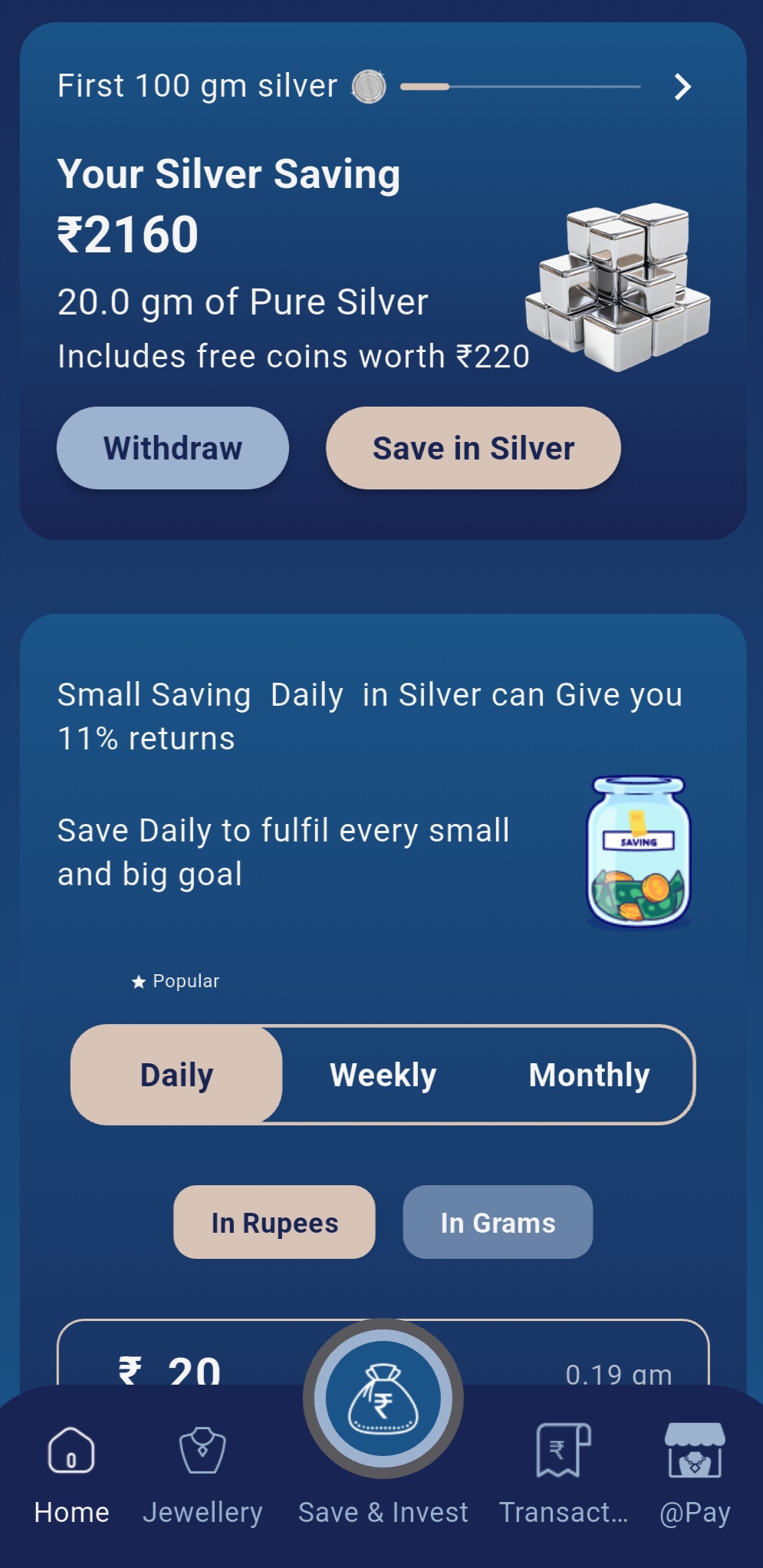
1. Open the app and go to the Menu bar at the bottom.
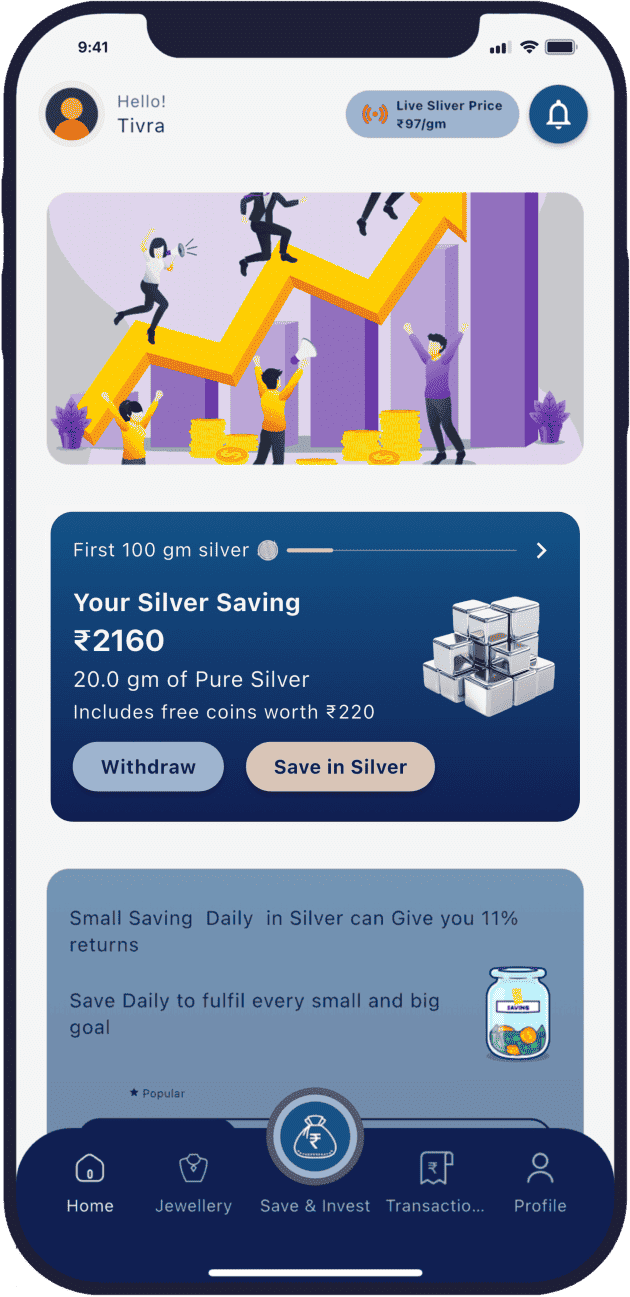
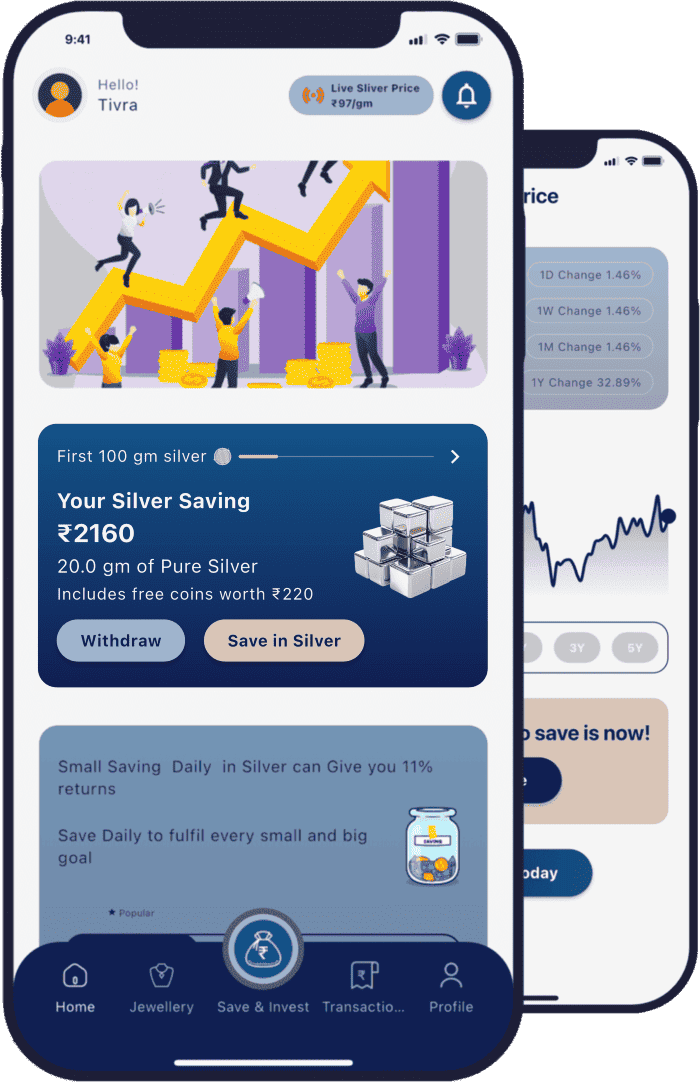
2. Tap on Transactions (4th icon from the left).
3. Under Transaction History, select the saving plan you want to stop:
Daily Saving, or Weekly Saving, or Monthly Saving
4. Open the selected saving plan.
5. Tap on Manage Autosave.
6. Choose "Cancel AutoPay" to stop future deductions.
Your AutoPay will be stopped immediately, and no further amounts will be deducted.
If you face any issues, please contact our support team for assistance.
Why is my AutoPay failing?
Sometimes, AutoPay may fail due to temporary issues at the payment gateway. We acknowledge that such issues can occur and may affect successful deductions.
* To improve success rates, we recommend the following:
* Change your UPI app used for AutoPay
* For better results, PhonePe is most preferred
Re-setting AutoPay with a different UPI app often resolves the issue
This will help ensure that your Daily Saving, Weekly Saving, and Monthly Saving run more smoothly without interruptions.
If the issue still continues, please reach out to our support team for assistance.
What is Metra?
Metra is a mobile app that allows users to save in digital silver, which is then used to purchase physical silver securely stored on their behalf.
Who operates Metra?
Metra - The Silver App is a unit of METRA DIGITAL PRIVATE LIMITED.
How does Metra work?
Users save in digital silver through the Metra app. The saved amount is used to buy physical silver, METRA procure 999 Pure Silver and store them in secure vaults To ensure safety and reliability.